Creating Standalone Issue
Standalone issue is not connected to any module-based issue. These types of issues can be general/common issues faced within the project. Follow the below steps to create a Standalone Issue
- Select Projects > My Projects and click on Model Viewer icon from the required Project
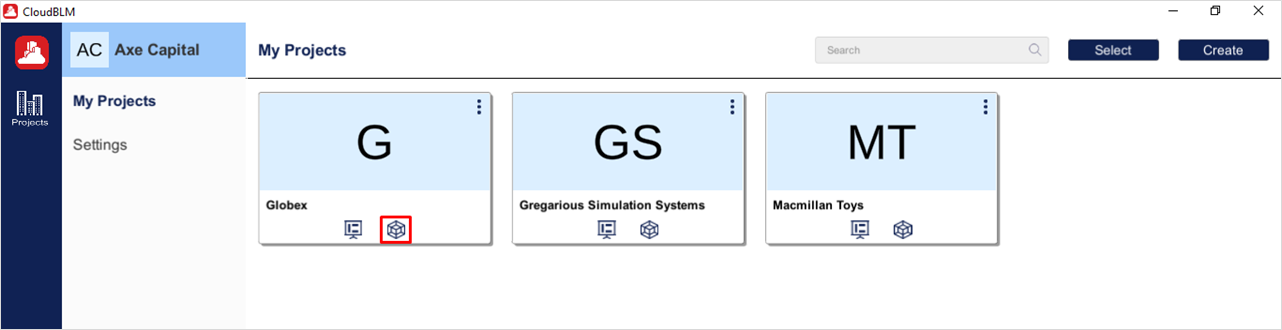
Project Selection
- Select the desired models from the directory and click on the Load button to view the models in the viewer
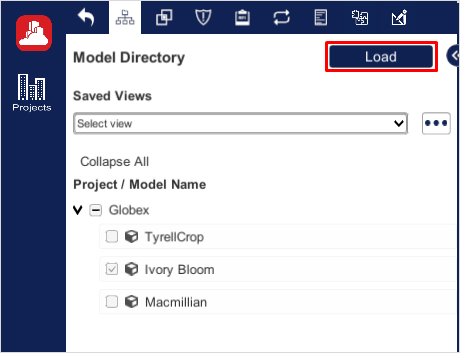
Creating a standalone Issue
- Select Issue Tab to load all the issues related to the model and click on the Plus icon to create an issue
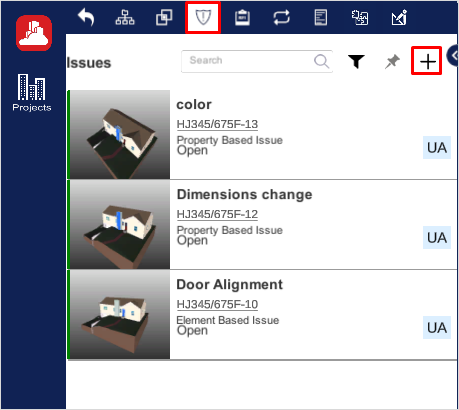
Creating a standalone Issue (Cont.)
- Enter the Mandatory Fields which will be marked with “*”, and click on the Create button to complete the process
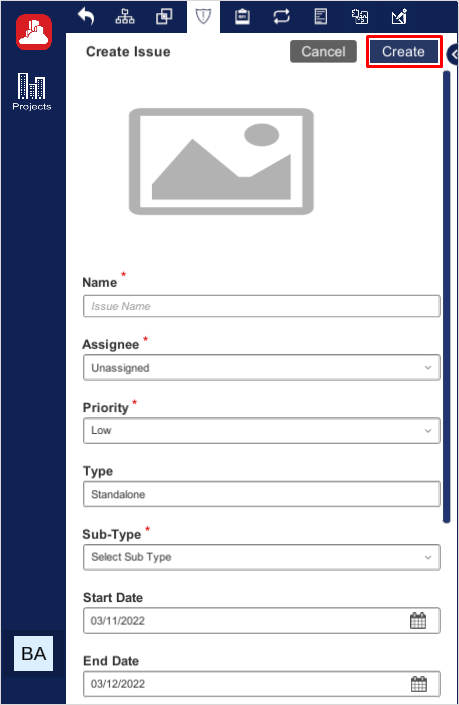
Creating a standalone Issue (Cont.)
Created with the Personal Edition of HelpNDoc: Produce online help for Qt applications